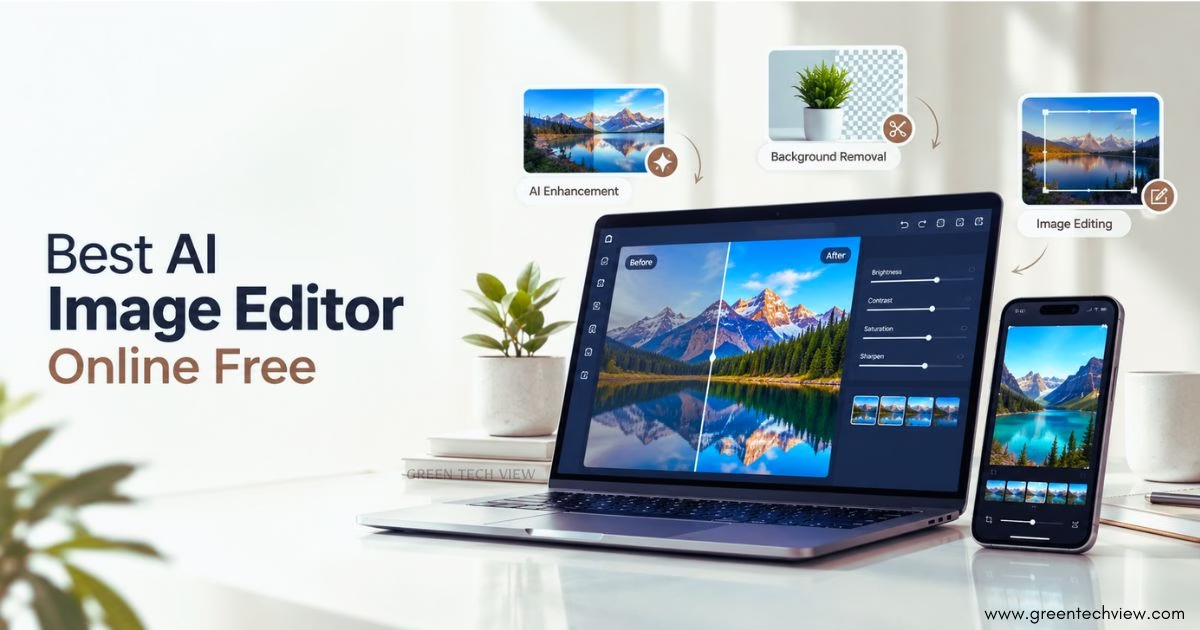
Editing photos could be quite time-consuming – especially if it is necessary to delete backgrounds, improve the quality of an image or remove some objects. In the past, all these things were possible only with the help of special software and professional skills. Today, thanks to the AI image editors, the process of photo editing has become much simpler.
Nowadays, you can easily enhance your photos by using the AI image editors online, without having to install any software. There are many free tools which give you the opportunity to upload the image and choose the needed editing option; then the AI does everything for you. With just a few clicks, you can get new images, change backgrounds or colors.
In this guide, we will introduce you to the best free online AI image editors, explain how to edit your photos step by step and what to pay attention to while choosing a tool. Regardless of whether you are a beginner, a blogger, a student or a content creator, you can easily enhance your photos without spending anything.
Best Free AI Image Editors Online I Personally Tried
There are various artificial intelligence (AI) tools for photo editing in the web, but selecting the appropriate one could be hard. I would suggest using those tools that have a user-friendly interface and provide useful services for free. The following are some online tools for photo editing:
1. Canva
Canva is one of the best tools for those, who have just started to edit photos and create various visual effects. With the help of this tool, you can edit photos, add texts, change colors and other things in your pictures for blogs and social media. Free and subscription-based versions are possible here.
Website: Visit Canva
2. Adobe Express
Adobe Express is one more great tool, where you can use AI and edit photos within several minutes. This application allows you to remove backgrounds, resize photos and create various designs, and there is a free version available, though certain tools might cost extra money.
Website: Visit Adobe Express
3. Pixlr
Pixlr is an image editor website that can be accessed straight from the web browser on your computer. The software allows you to resize, color correct, strip away backgrounds, and make numerous other changes to your photos. Although most editing options are available free of charge, AI-powered options may have some restrictions or require subscriptions.
Website: Visit Pixlr
So if you wish to do all your photo editing without having to download complicated programs, you should try out the above three programs. However, before choosing one of them, you will want to see which editing options are available and what restrictions there may be on using those options.
How to Edit Photos Online for Free Using AI Image Editors
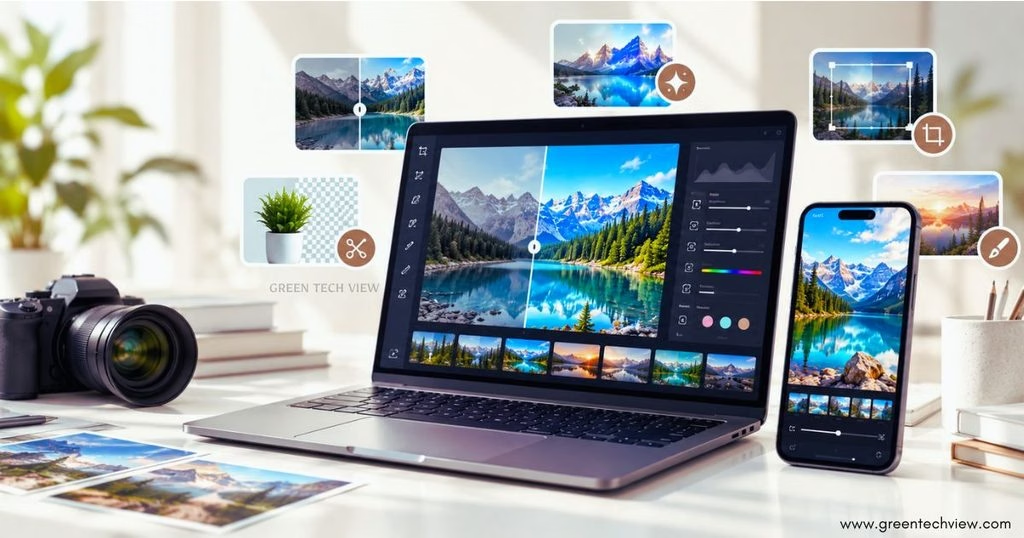
Photo editing online was surprisingly easy for me. Without the need for any training or expensive software, I managed to do amazing things with my photos thanks to free AI-based photo editors. Since all web platforms have almost the same workflow, even newcomers can master it pretty fast.
Step 1: Select an AI Photo Editor
The first step is to visit the website which offers photo editing services – Canva, Adobe Express, Pixlr, etc. You should test free features of each website and select the one that fits you best.
Step 2: Upload Your Photo
Afterwards, you should load the photo that you would like to edit. The better the quality of the photo you upload is, the more interesting results you will get at the end.
Step 3: Select an Editing Tool
Then, you should choose the needed feature – background removal, color correction, elimination of unnecessary objects, etc. Moreover, there are some tools where you can make changes just by typing how you want your photo to look like.
Step 4: Check the Output Image
Once the AI has processed the image, carefully review the output image. If anything is not right, then you can tweak the settings.
Step 5: Download the edited image
Finally, you will be able to download the edited image in the format of your choice, such as JPG or PNG. Before downloading, it would be a good idea to see if there are any watermarks added by the tool or if it lowers the quality of the image.
In this way, you will be able to edit images quickly for use on blogs or social media.
Best AI Image Editor Tools for Removing Backgrounds and Objects
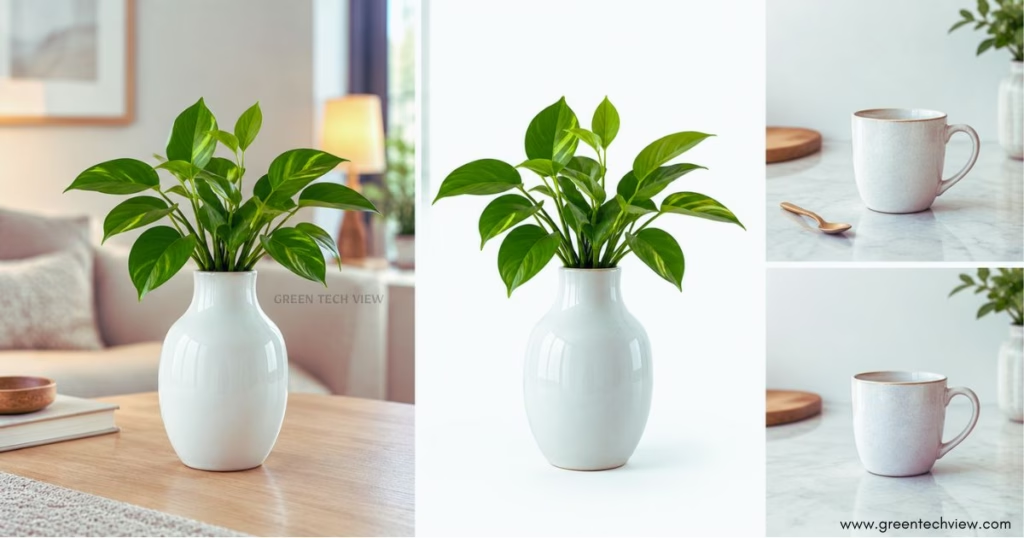
One of the most practical functions of an AI image editor is the option to remove backgrounds and unwanted objects from photos. Such an application will enable you to edit product photos, create images for blogs, and even remove the things that distract—without wasting much time on the whole process.
Canva
Canva is perfect when you need to work with images to create visuals for your blog posts and social networks. The “Background remover” function enables you to remove the subject from its background (but there is a chance that you may need to pay extra for that option). In addition, you can apply other Canva editing options to your image.
Adobe Express
There are some background removal tools that make it possible to create images with a transparent background using Adobe Express. They are useful when it comes to creating product photos, profile images, and basic design projects. Don’t forget to review what services are offered for free.
Pixlr
There are various online services for editing photos by using the website called Pixlr. In addition to that, there are a few AI features to be found in it. One can use background removal tools for preparing photos for different purposes. Please keep in mind that there might be some restrictions and some tools might only be used for a payment. While choosing the best tool among all available for you, it is recommended to check the results of their usage carefully paying attention to such elements as hair, details, and edges. It doesn’t mean that AI can remove every element from the image in full. Furthermore, before posting it in your website, check whether it can be downloaded successfully.
How to Choose the Best AI Image Editor for Your Needs?
The best AI image editor for me will depend on the needs of my photos. There are some applications that are very convenient to use for simple editing and there are those that have various features that can be used to create professional-looking photos. Before choosing an editor, here are some of the things I consider:
Ease of Use: I go for those editors whose layout is very easy to use. Also, their editing features should be clearly presented so that I do not spend much time learning how to operate the tools.
Free Features: I determine the various features that are available at no cost. Even though some sites provide free editing, some features like background removal, AI tools and high quality photo downloads will be charged extra.
Editing Options: Some of the important features include cropping, color correction, background and object removal among others.
Image Quality: I make sure that the quality of the photos remains good and clear after editing. This is especially important when editing images for blog posts or websites.
Privacy and Safety: I only use reliable and trusted websites. I would not upload my own photos to the website until I am familiar with how the website treats them.
Using the comparison of these features, I can easily find the best AI image editor for me. If a free program is able to do the job, then there is no need to spend money on other more expensive programs.
Advantages and Disadvantages of Utilizing Free AI Online Photo Editing Tools
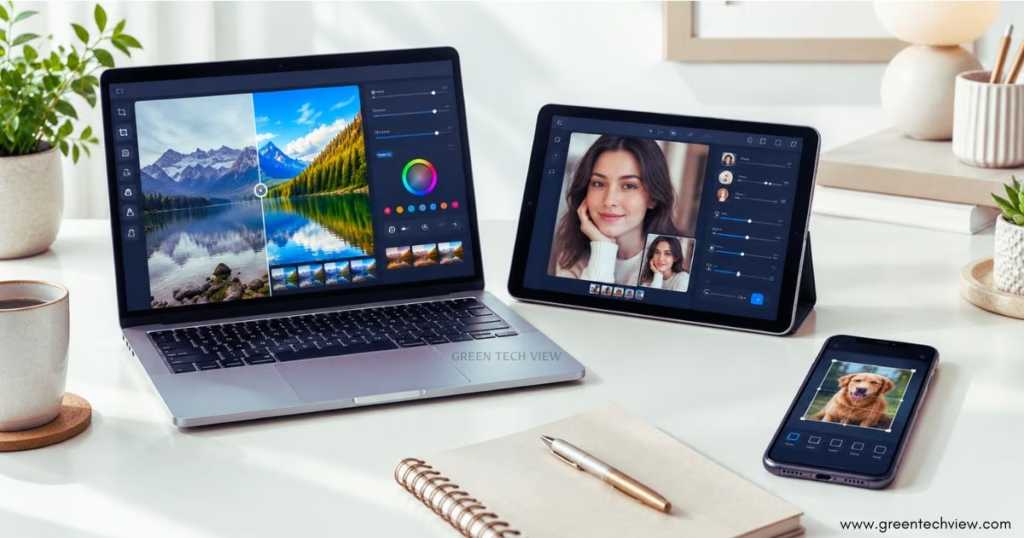
To edit photos using free AI image editing tool is very easy—an important advantage if you do not want to buy costly software. At the same time, there are certain disadvantages that should be mentioned. Let us consider both advantages and disadvantages to be able to make the right choice later on.
Advantages of AI Online Photo Editors
- Easy to Use: It is easy to edit photos since no special skills are needed from the user.
- Time-Saving: AI is able to accomplish such functions as background removal or photo improvement just in several mouse clicks.
- No Installation Needed: Many online photo editors operate inside your web browser.
- Free-of-Charge: It is possible to use photo editing features for free.
Disadvantages of Free AI Image Editors
- Limited Use of Certain Features: Many advanced features may only be available in their premium versions.
- Limitations on Usage: In some sites, there are certain restrictions on how many images one can edit for free.
- AI Errors: Sometimes, there might be errors made by the AI.
- Internet Connection Required: An internet connection is a must in most online softwares.
In general, I find free AI image editors quite useful. It might be a good option for someone looking to learn editing.
CONCLUTION
The choice of the most suitable free AI-powered image editing software depends on your particular requirements and budget. In this article, we have analyzed three popular programs – Canva, Adobe Express, and Pixlr. All of these tools provide great opportunities for photo enhancement, design creation, and image modification.
My advice is to use the free version at first to understand the capabilities of the software. If your needs are modest and include such things as image cropping, color adjustment, or preparation of visuals for your blog, then the free editor will be enough. You should think about the paid version only if you have more complex requirements.
No matter whether you are a beginner or not, these AI image editing software will make your work easier and faster. Test various solutions, compare the results and choose the one which meets your needs. Using the proper software, you will be able to create amazing pictures for your website and social media accounts by yourself.
FAQ’s – AI Image Editor
Which is the best free AI image editor that is available online?
There are a number of popular AI image editors, including Canva, Adobe Express, and Pixlr. It is recommended to find out about the free capabilities of each service to see which one fits your editing needs best.
Can I edit my photos online for free with the help of AI?
Yes, there are a lot of websites that provide their users with the ability to edit photos using AI technology. Still, some advanced capabilities could require money or have limitations on usage.
Can AI image editors remove background and unwanted objects from images?
Yes, some AI image editors can delete backgrounds and unwanted objects from the photos. As the quality of the final result depends on the specific software and the photo itself, it is important to carefully examine the edited image.
Do I need to be a professional editor to use AI image editor?
No, since most of the AI image editors designed for beginners are very easy to use. You just need to upload your photo, choose the editing function you need, check the result, and download it.
1 thought on “Best AI Image Editor Online Free”